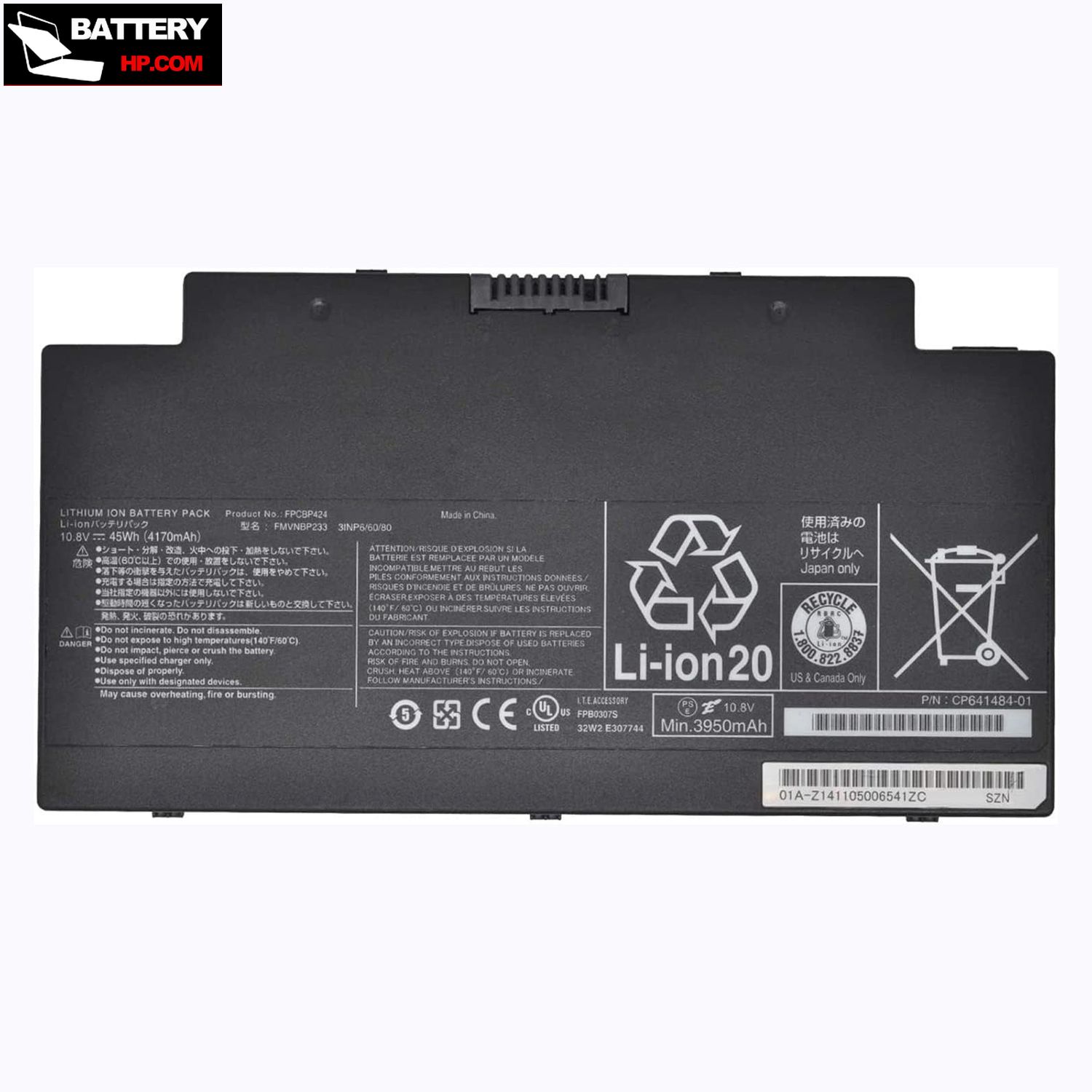
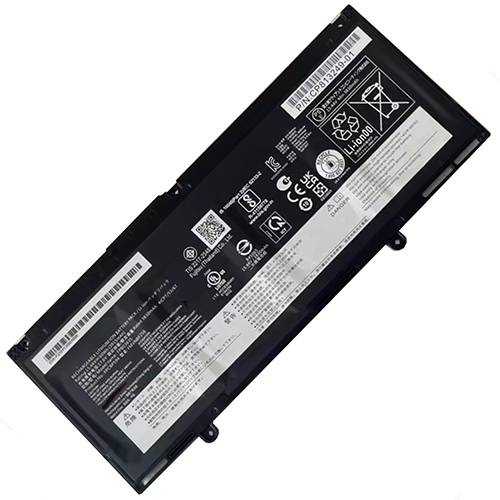
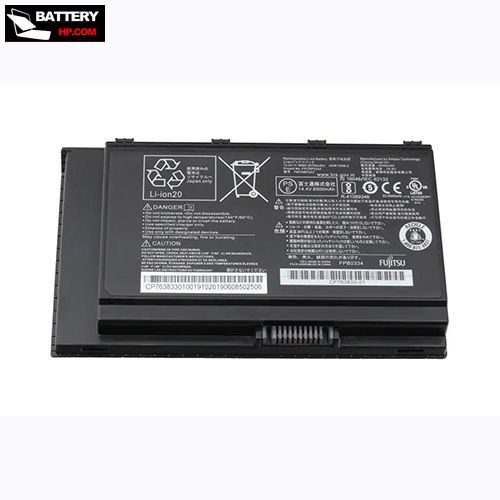
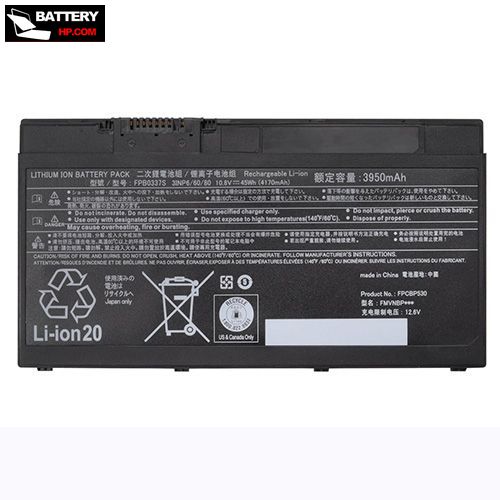
45Wh 10.8V Battery for Fujitsu LifeBook A556/G
$95.32 $115.34
Free and fast shipping + 1 year warranty + 30 day money back!
Availability : In stock
Battery Type : Li-ion
Voltage : 10.8V
Capacity : 45Wh
Color : Black
AC Adapter for Fujitsu LifeBook A556/G
- $ 38.56 45.89
- High Quality replacement LifeBook A556/G adapter includes AC Power Cord , 100-240VAC 50/60Hz , Over Voltage Protection, Short Circuit Protection, Over Current Protection !
-
-
-
Availability : In stock
Description
| LifeBook A556/G battery specifications |
| Availability: | In stock |
| Battery Type: |
Li-ion |
| Capacity: |
45Wh |
| Voltage: |
10.8V |
| Useful Life: |
300-500 recharges |
| The condition of the product: |
Band New |
| Warranty: |
12 Months |
Compatible Fujitsu Laptop Models:
- LifeBook A556/G
- Fujitsu Stylistic Q775
- Fujitsu Stylistic Q736
- Fujitsu LifeBook A556
- Fujitsu LifeBook A556/G
- Fujitsu LifeBook A3510
- Fujitsu LifeBook A3511
- Fujitsu LifeBook AH77/S
- Fujitsu LifeBook AH77/M
Compatible Fujitsu Part Numbers:
- Fujitsu CP64148401
- Fujitsu CP641484-01
- Fujitsu CP69300303
- Fujitsu CP693003-03
- Fujitsu CP700538-01
- Fujitsu FMVNBP233
- Fujitsu FPB0307S
- Fujitsu FPCBP424
Revitalize your laptop with our premium Fujitsu LifeBook A556/G battery, crafted from top-notch materials and featuring high-grade cells, all while prioritizing safety.
Fujitsu LifeBook A556/G battery Key Features:
- Seamless compatibility with your original laptop.
- Energy-efficient IC design.
- Memory-effect free, rapid charging capability.
- LifeBook A556/G battery is brand new.
- Incorporates Grade A cells for extended lifespan and enhanced charge cycles.
Fujitsu LifeBook A556/GBattery use and maintenance:
- After getting the Fujitsu LifeBook A556/G battery, please install the battery correctly, make sure that the battery connector is firmly connected to the laptop motherboard, and start charging the laptop. Discharge the new battery to 5% (not 0%), then charge and cycle 3-4 times to wake up the new battery.
- Remember not to discharge the battery to 0%, otherwise the battery will be easily damaged.
- After the Fujitsu LifeBook A556/G battery is exhausted, please charge it in time. If it is not charged for a long time, the battery may be damaged.
- If the battery is not used for a long time, it needs to be charged to more than 70% for storage. The storage time should not exceed 3 months.
- If you often use it with a charger, please use the battery power regularly and use it more than once a week.
- Please use original chargers. Inferior chargers will affect the normal charging of the LifeBook A556/G battery.
- Regularly clean the fan dust to increase the heat dissipation effect and reduce power consumption, which can effectively extend the Fujitsu LifeBook A556/G battery life.
Bestsellers
-
$119.66
-
$ 95.32
-
$98.99
-
$ 97.69
-
$81.69
-
$ 102.36
-
$ 89.98
-
$ 97.99