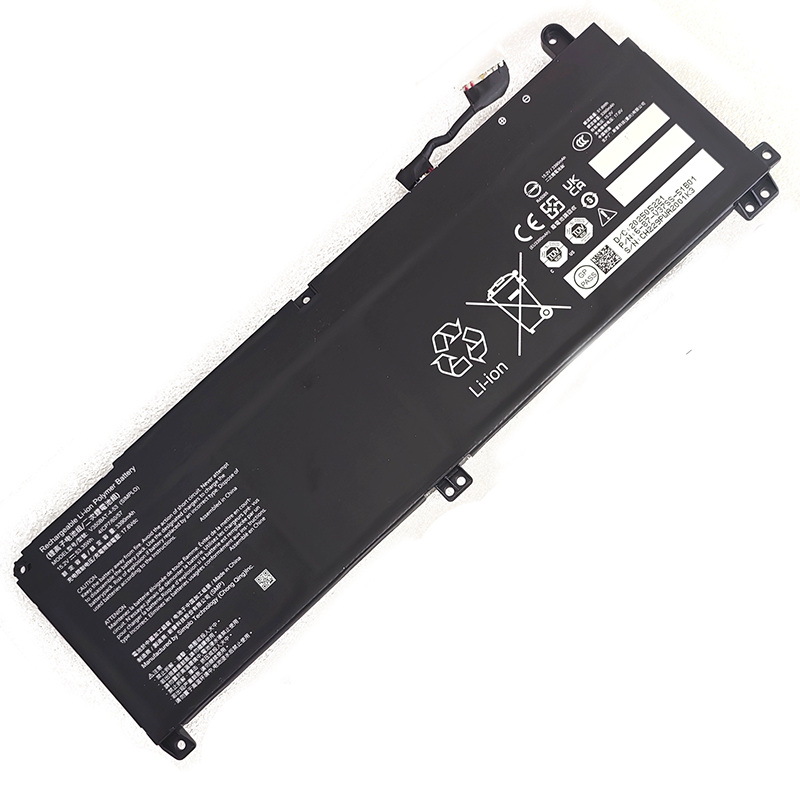
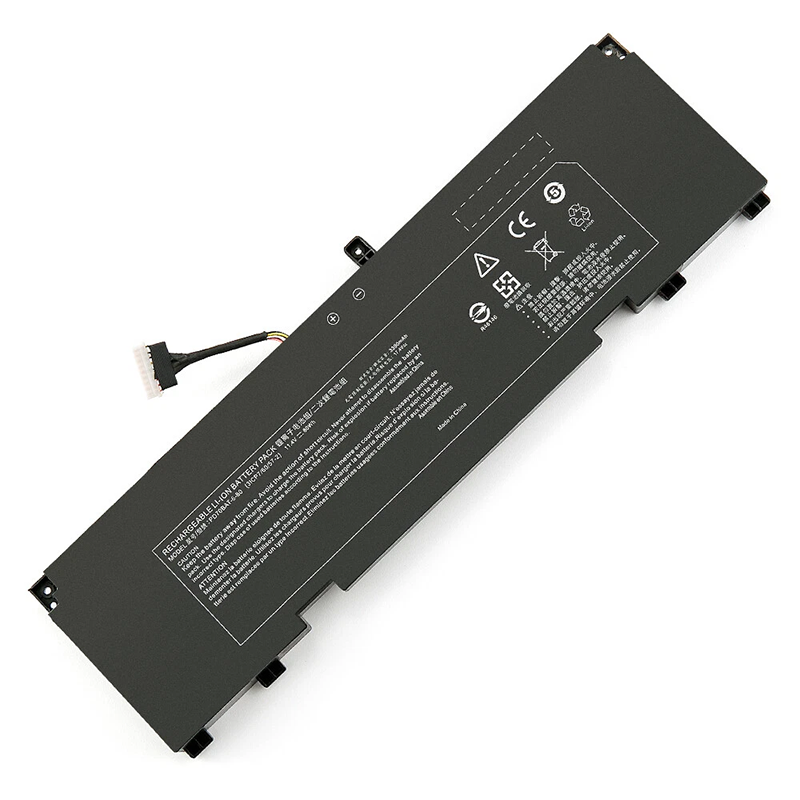
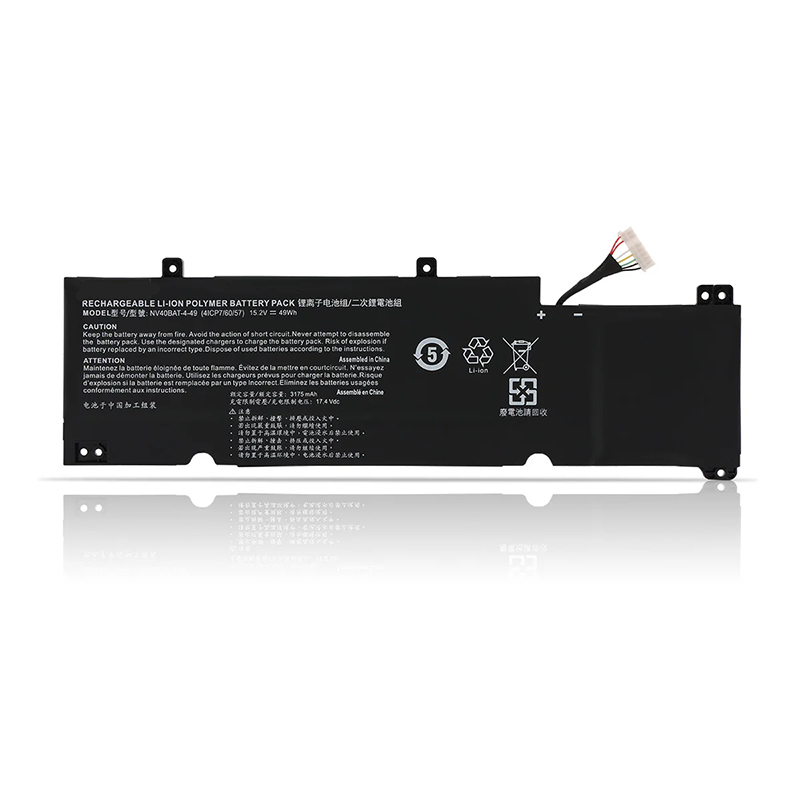
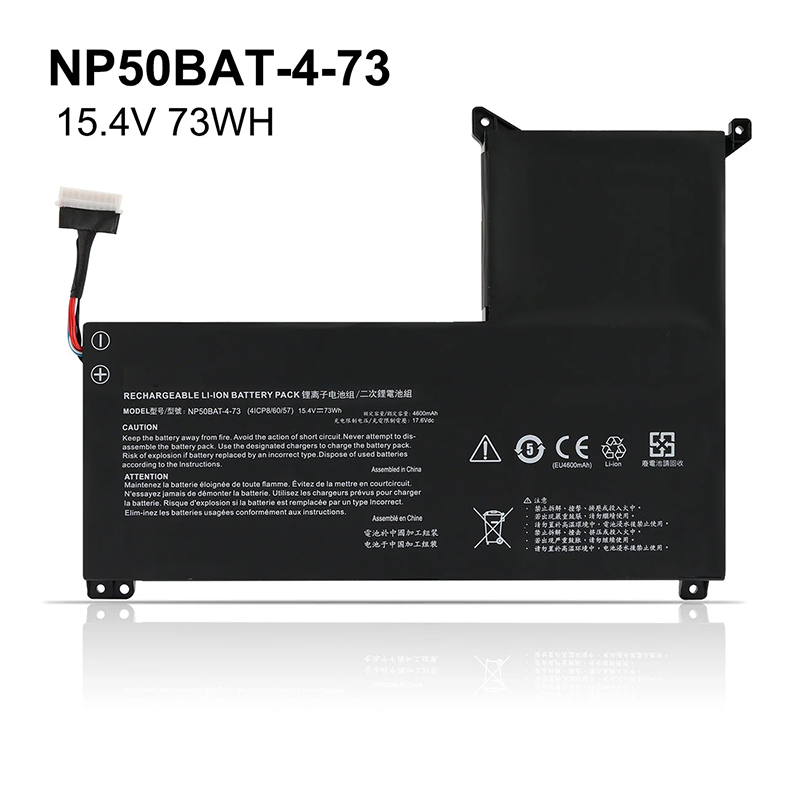
Free and fast shipping + 1 year warranty + 30 day money back!
Availability : In stock
Battery Type : Li-ion
Voltage : 11.1V
Capacity : 4400mAh(48.8Wh)
Color : Black
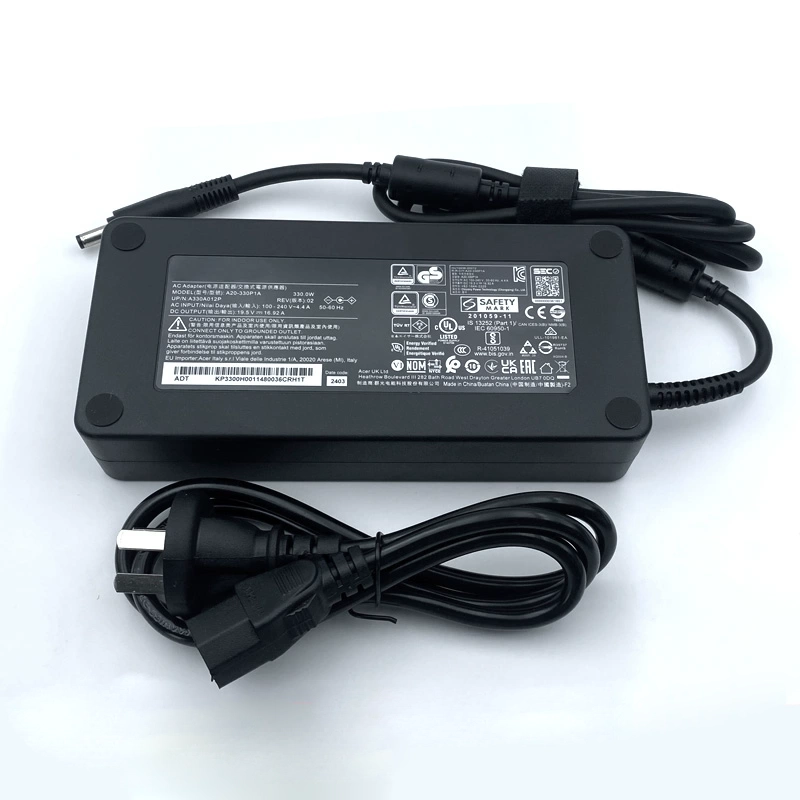
AC Power Adapter for CLEVO Topstar U953
$ 35.5645.89
High Quality replacement CLEVO Topstar U953 adapter Includes AC Power Cord , Input Voltage 100-240VAC 50/60Hz , Over Voltage Protection, Short Circuit Protection, Over Current Protection
Availability : In stock
Description
Specifications
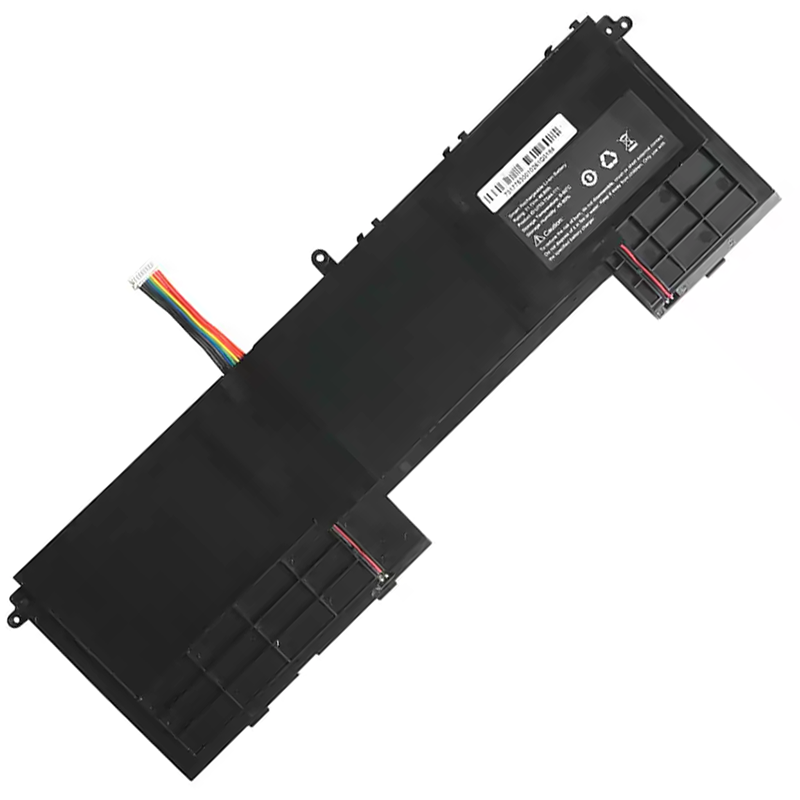
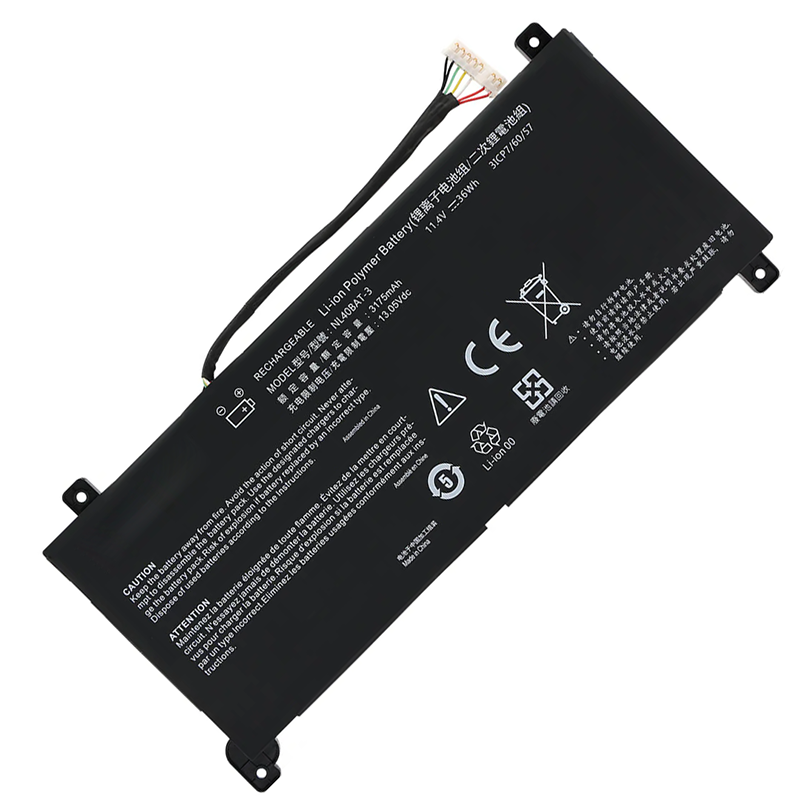
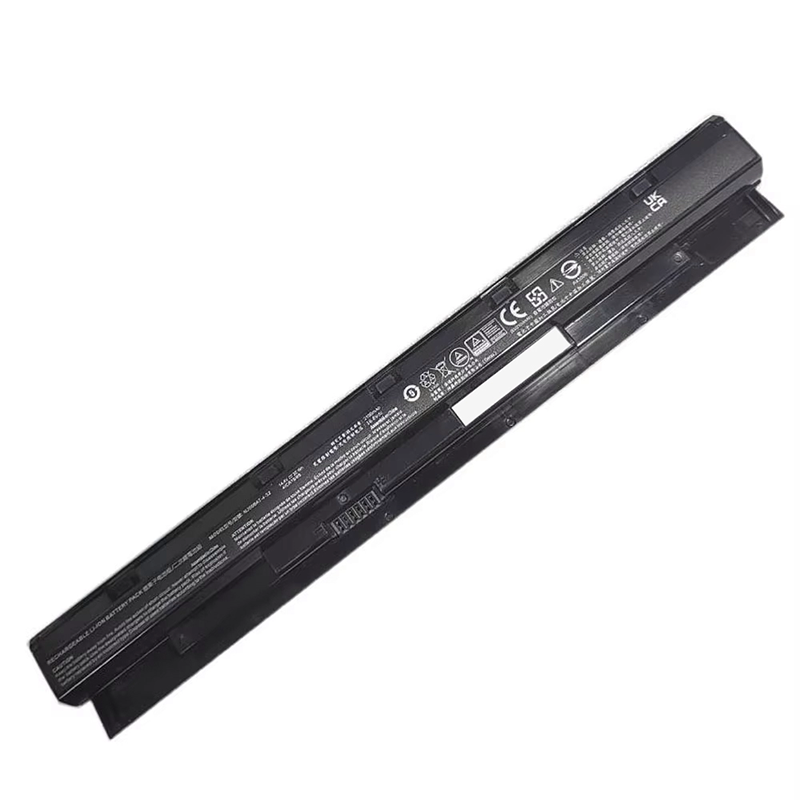
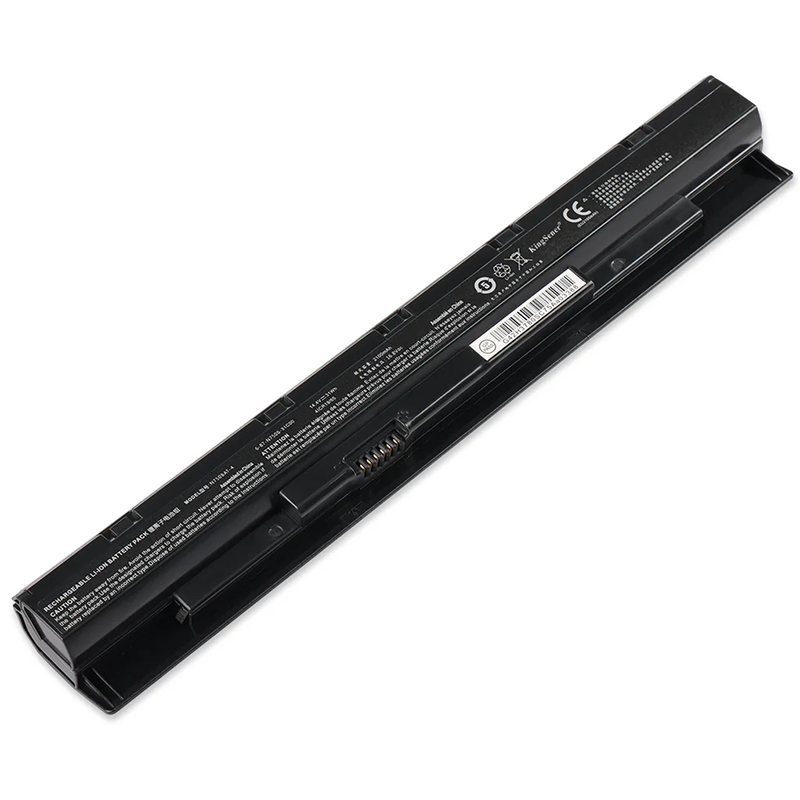
Clevo Topstar U953 battery specifications
Availability:
In stock
Battery Type:
Li-ion
Capacity:
4400mAh(48.8Wh)
Voltage:
11.1V
Color:
Black
The condition of the product:
Band New
Guarantee:
12 Months
Fit Machine Models:
Topstar U953
Topstar U953
Compatible with numbers:
U753-TS44-111
This battery for Clevo Topstar U953 contains advanced electronic components and has been tested in accordance with the very strict standards of the CE.
The specifications of this Topstar U953 battery fully meet the standards of the original manufacturer.
For all batteries, a one-volt deviation in voltage is negligible. Therefore, the compatibility with your original battery is perfectly maintained. Lower system standard, up to a 30% reduction! Long battery life, with no memory effect.
CE-standard battery, 12-month warranty.
Our individual quality control system ensures that your choice of all our products is a safe one, and these products are also fully supported.
Integrated protection against overvoltage, overheating, and short circuits.
Long lifespan thanks to high-quality cells.
This battery for Clevo Topstar U953 can be recharged using the standard charger (supplied with your device).
How can you keep the Clevo Topstar U953 battery performing at its best for as long as possible?
Only recharge the Topstar U953 battery when it is completely empty, especially at the beginning. And only use the mains socket when you are at home, while removing the MSI Topstar U953 battery .
Ideally, following Steg's idea, only insert it into the laptop for charging and do not use the laptop during the charging process.
For several years now/with laptops, it is to charge the laptop without using it during the charging process and then use it on its MSI Topstar U953 battery until the battery is completely drained.
If you do not want to use your laptop for a while, it is advisable to charge the Topstar U953 battery to 50% and store it in a cool (not cold) place. (Note: Do not discharge it to 50% for this storage but rather charge it.)
Do not keep it in when your computer is plugged into the mains. Only insert it for charging.