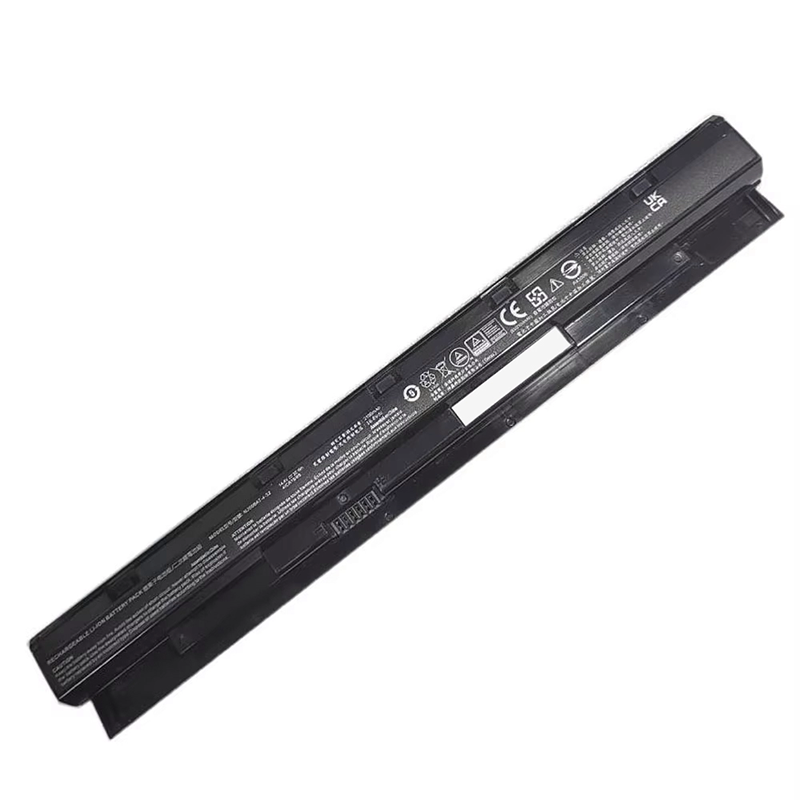
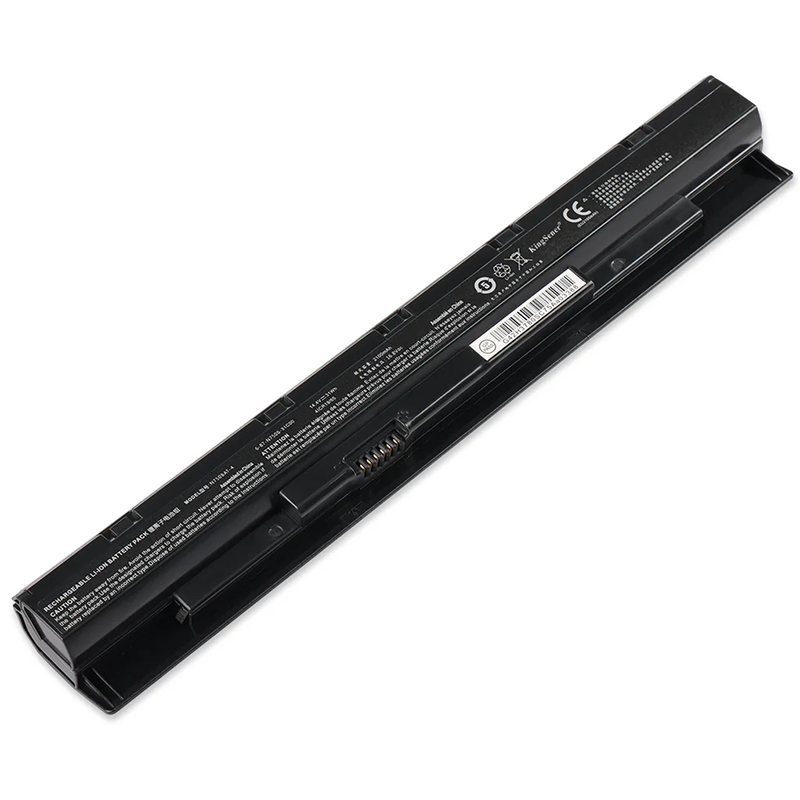
Free and fast shipping + 1 year warranty + 30 day money back!
Availability : In stock
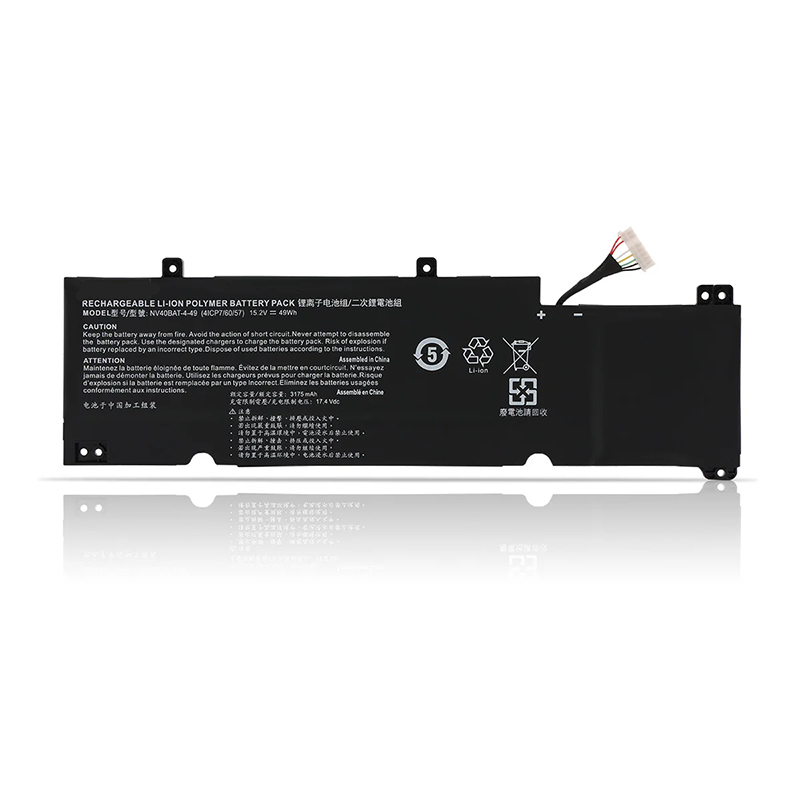
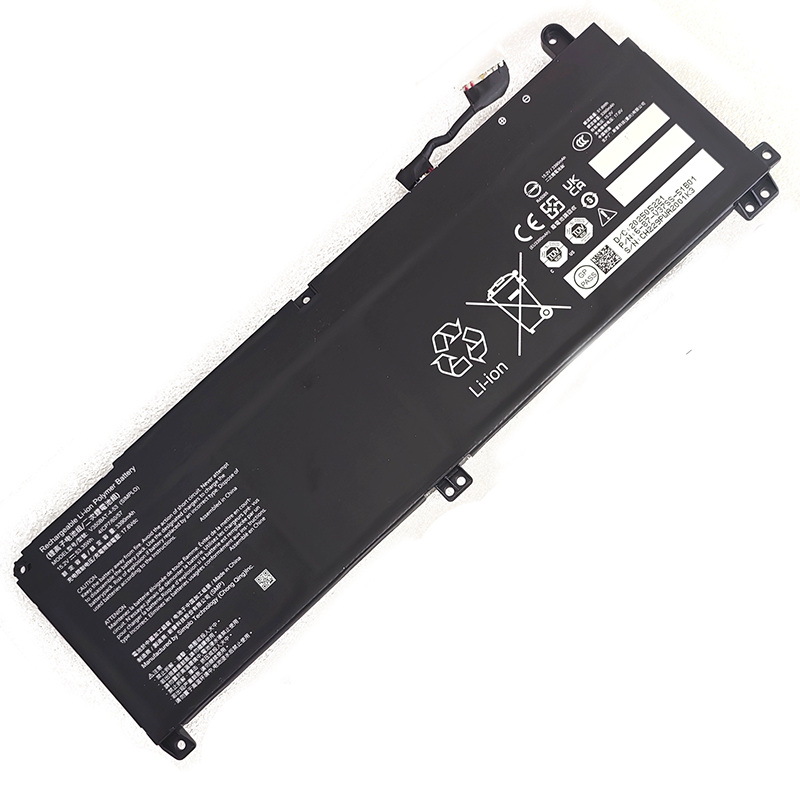
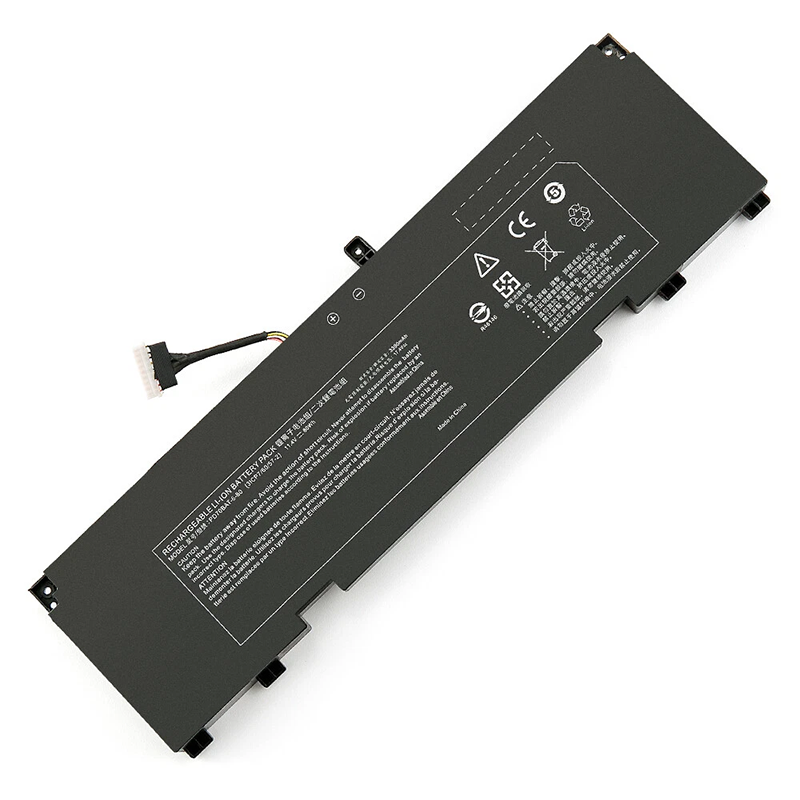
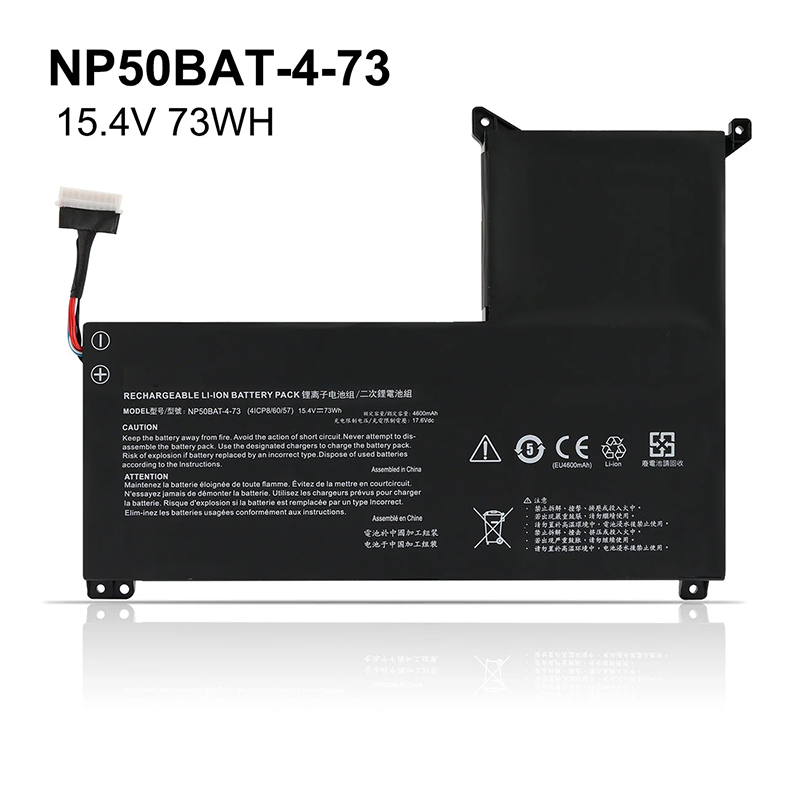
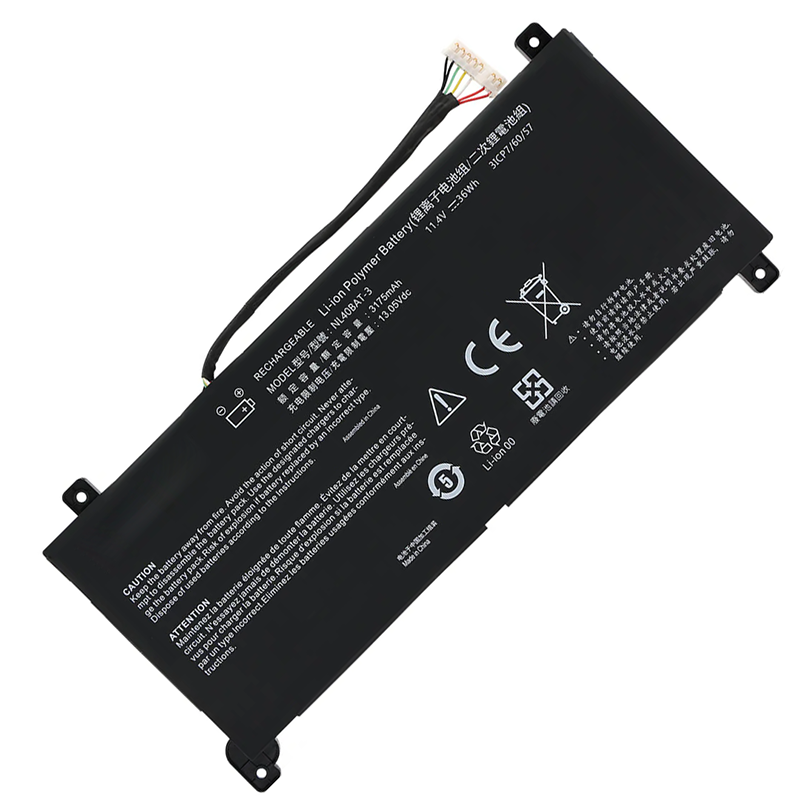
Battery Type : Li-ion
Voltage : 15.2V
Capacity : 49WH
Color : Black
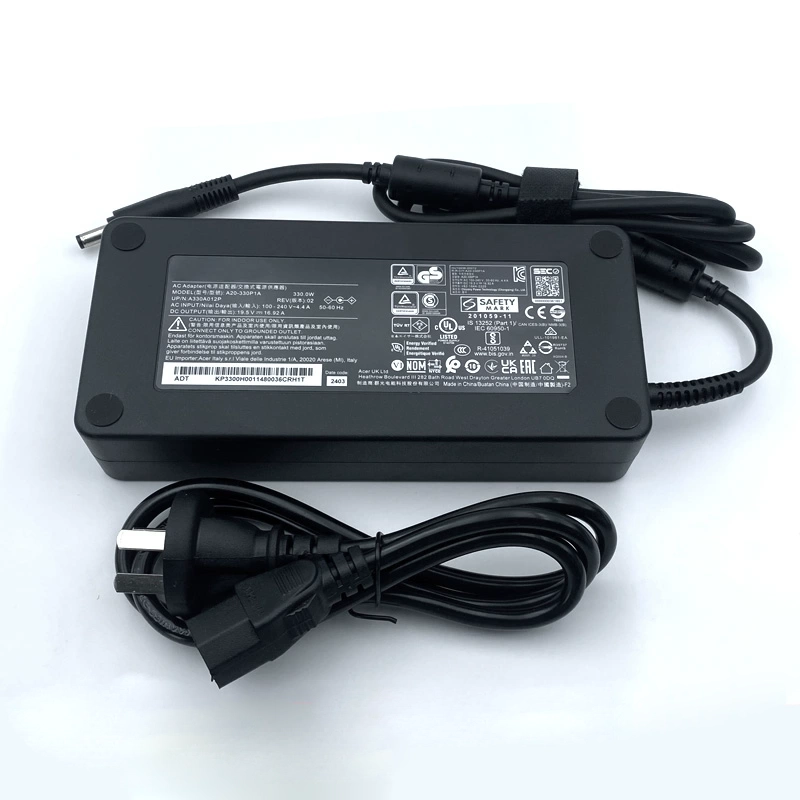
AC Power Adapter for Clevo NV40BAT-4-49
$ 35.5645.89
High Quality replacement Clevo NV40BAT-4-49 adapter Includes AC Power Cord , Input Voltage 100-240VAC 50/60Hz , Over Voltage Protection, Short Circuit Protection, Over Current Protection
Availability : In stock
Description
Specifications
Clevo NV40BAT-4-49 battery specifications
Availability:
In stock
Battery Type:
Li-ion
Capacity:
49WH
Voltage:
15.2V
Color:
Black
The condition of the product:
Band New
Guarantee:
12 Months
Fit Machine Models:
NV41PZ
NV41MZ
NV41ME
NV40MB
NV41MB
NV41RZ
Compatible with numbers:
NV40BAT-4-49
NV40BAT-4-49
This battery for Clevo NV40BAT-4-49 contains advanced electronic components and has been tested in accordance with the very strict standards of the CE.
The specifications of this NV40BAT-4-49 battery fully meet the standards of the original manufacturer.
For all batteries, a one-volt deviation in voltage is negligible. Therefore, the compatibility with your original battery is perfectly maintained. Lower system standard, up to a 30% reduction! Long battery life, with no memory effect.
CE-standard battery, 12-month warranty.
Our individual quality control system ensures that your choice of all our products is a safe one, and these products are also fully supported.
Integrated protection against overvoltage, overheating, and short circuits.
Long lifespan thanks to high-quality cells.
This battery for Clevo NV40BAT-4-49 can be recharged using the standard charger (supplied with your device).
How can you keep the Clevo NV40BAT-4-49 battery performing at its best for as long as possible?
Only recharge the NV40BAT-4-49 battery when it is completely empty, especially at the beginning. And only use the mains socket when you are at home, while removing the MSI NV40BAT-4-49 battery .
Ideally, following Steg's idea, only insert it into the laptop for charging and do not use the laptop during the charging process.
For several years now/with laptops, it is to charge the laptop without using it during the charging process and then use it on its MSI NV40BAT-4-49 battery until the battery is completely drained.
If you do not want to use your laptop for a while, it is advisable to charge the NV40BAT-4-49 battery to 50% and store it in a cool (not cold) place. (Note: Do not discharge it to 50% for this storage but rather charge it.)
Do not keep it in when your computer is plugged into the mains. Only insert it for charging.