Shopping cart
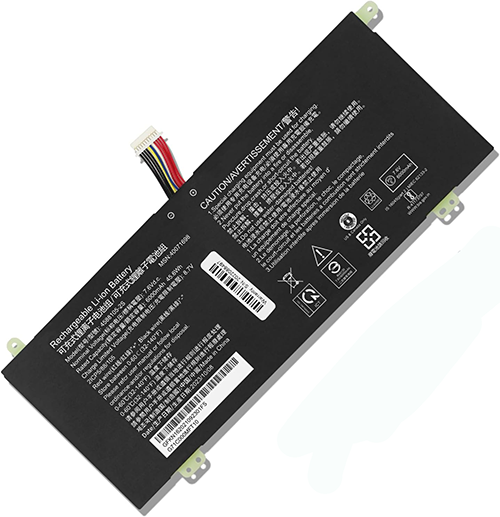
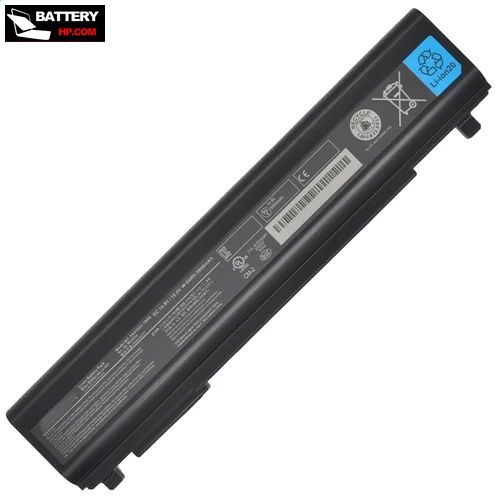
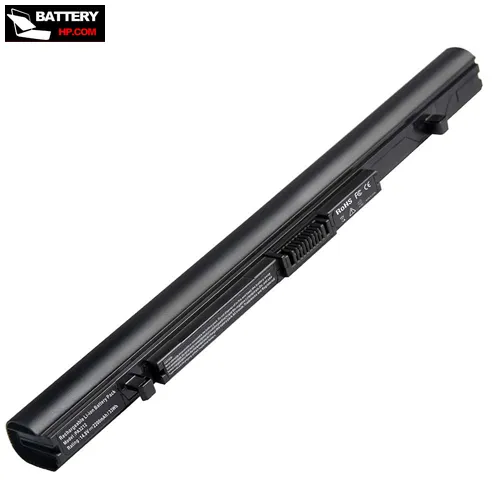
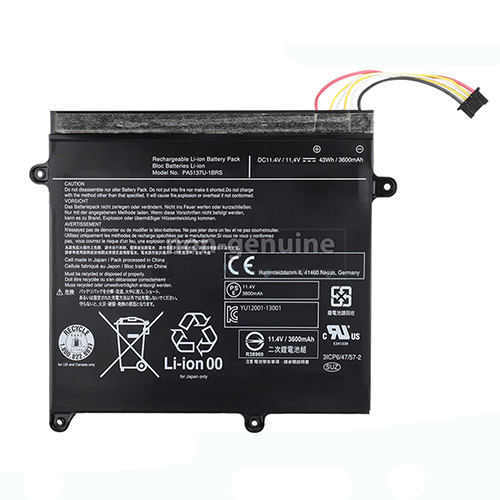
battery for Toshiba DynaPad WT12PE

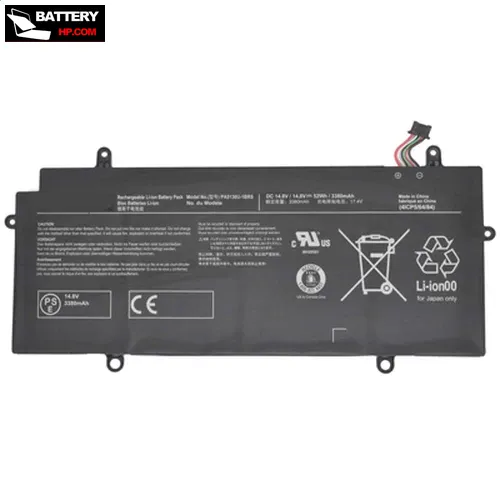
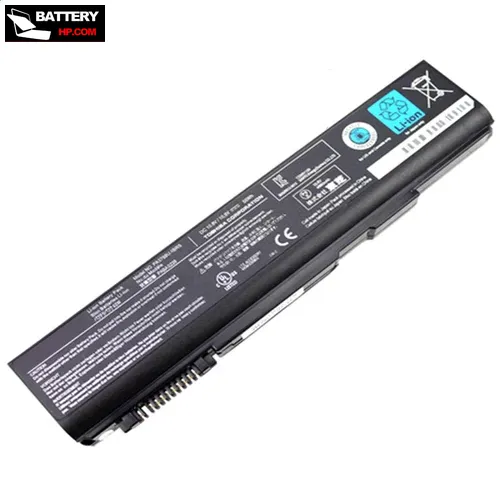
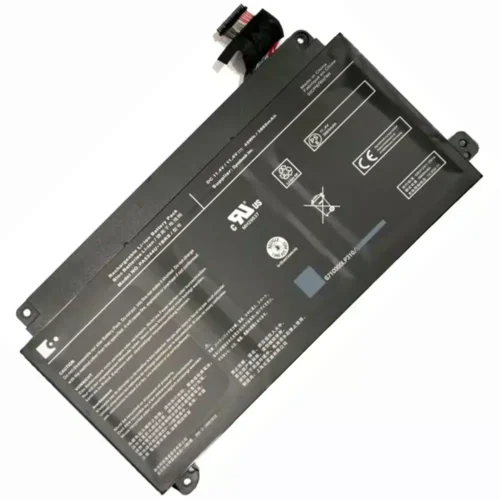
Genuine Toshiba DynaPad WT12PE Battery

  • $79.36 $103.17
  • Free and fast shipping + 1 year warranty + 30 day money back!
  • Availability : In stock

    Battery Type : Li-ion

    Voltage : 3.8V

    Capacity : 6500mAh

    Color : Black

  • batterie free shipping
    Laptop Battery Warranty
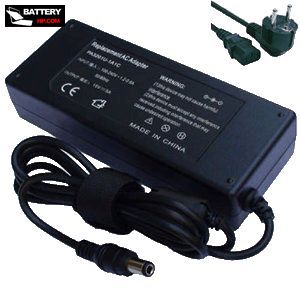
    AC Adapter for Toshiba DynaPad WT12PE

    AC Adapter for Toshiba DynaPad WT12PE

    • $ 38.56 45.89
    • High Quality replacement DynaPad WT12PE adapter includes AC Power Cord , 100-240VAC 50/60Hz , Over Voltage Protection, Short Circuit Protection, Over Current Protection !
    • Availability : In stock

    batterie free shipping

    Description

    DynaPad WT12PE battery specifications
    Availability: In stock
    Battery Type: Li-ion
    Capacity: 6500mAh
    Voltage: 3.8V
    Useful Life: 300-500 recharges
    The condition of the product: Band New
    Warranty: 12 Months

    Compatible Toshiba Laptop Models:

    • DynaPad WT12PE
    • DynaPad WT12PE
    • DynaPad WT12PE-A
    • DynaPad WT12PE-A64

    Compatible Toshiba Part Numbers:

    • PA5237U-1BRS

    This battery for Toshiba DynaPad WT12PE contains advanced electronic components and has been tested in accordance with the very strict standards of the CE.

    • The specifications of this DynaPad WT12PE battery fully meet the standards of the original manufacturer.
    • For all batteries, a one-volt deviation in voltage is negligible. Therefore, the compatibility with your original battery is perfectly maintained. Lower system standard, up to a 30% reduction! Long battery life, with no memory effect.
    • CE-standard battery, 12-month warranty.
    • Our individual quality control system ensures that your choice of all our products is a safe one, and these products are also fully supported.
    • Integrated protection against overvoltage, overheating, and short circuits.
    • Long lifespan thanks to high-quality cells.
    • This battery for Toshiba DynaPad WT12PE can be recharged using the standard charger (supplied with your device).

    How can you keep the Toshiba DynaPad WT12PE battery performing at its best for as long as possible?

    1. Only recharge the Toshiba DynaPad WT12PE battery when it is completely empty, especially at the beginning. And only use the mains socket when you are at home, while removing the Toshiba DynaPad WT12PE battery.
    2. Ideally, following Steg's idea, only insert it into the laptop for charging and do not use the laptop during the charging process.
    3. For several years now/with laptops, it is to charge the laptop without using it during the charging process and then use it on its Toshiba DynaPad WT12PE battery until the battery is completely drained.
    4. If you do not want to use your laptop for a while, it is advisable to charge the DynaPad WT12PE battery to 50% and store it in a cool (not cold) place. (Note: Do not discharge it to 50% for this storage but rather charge it.)
    5. Do not keep it in when your computer is plugged into the mains. Only insert it for charging.