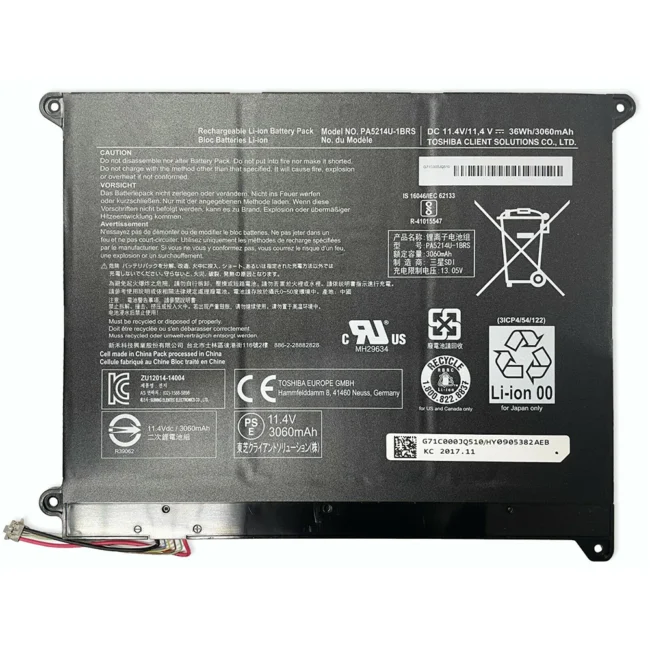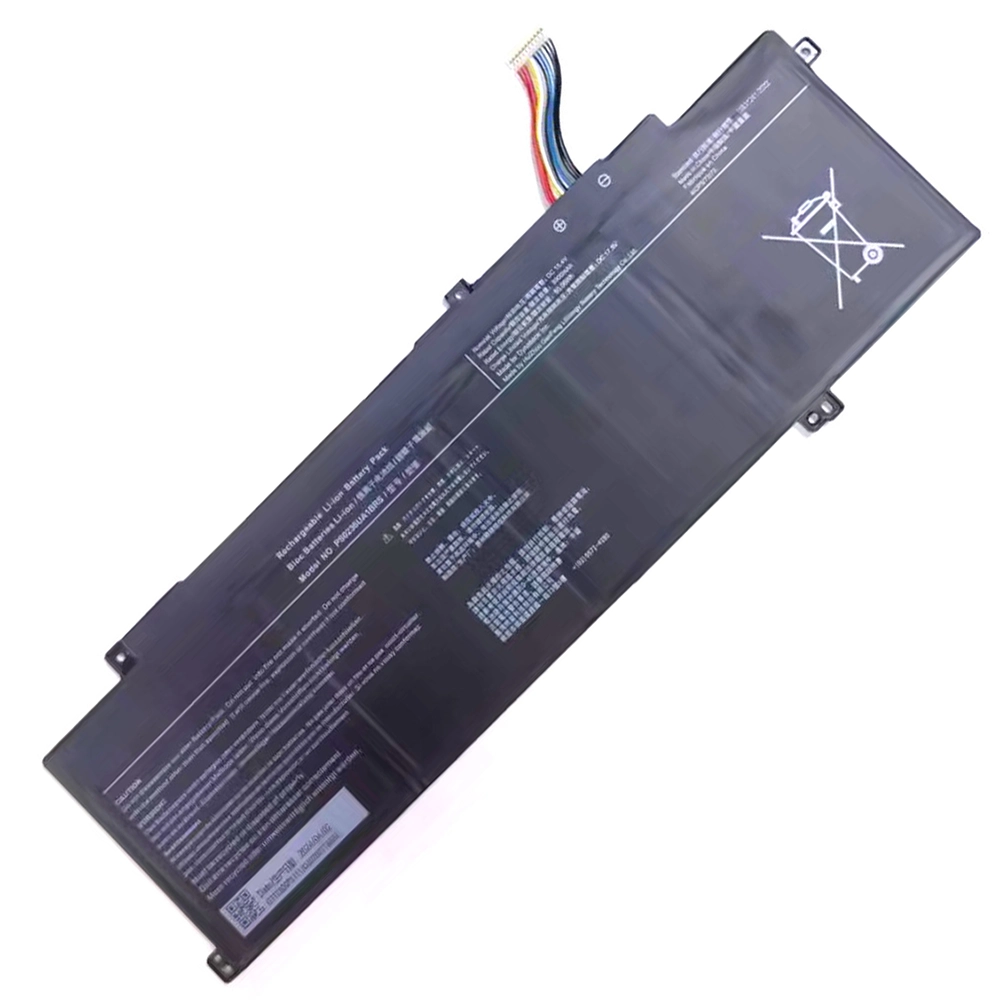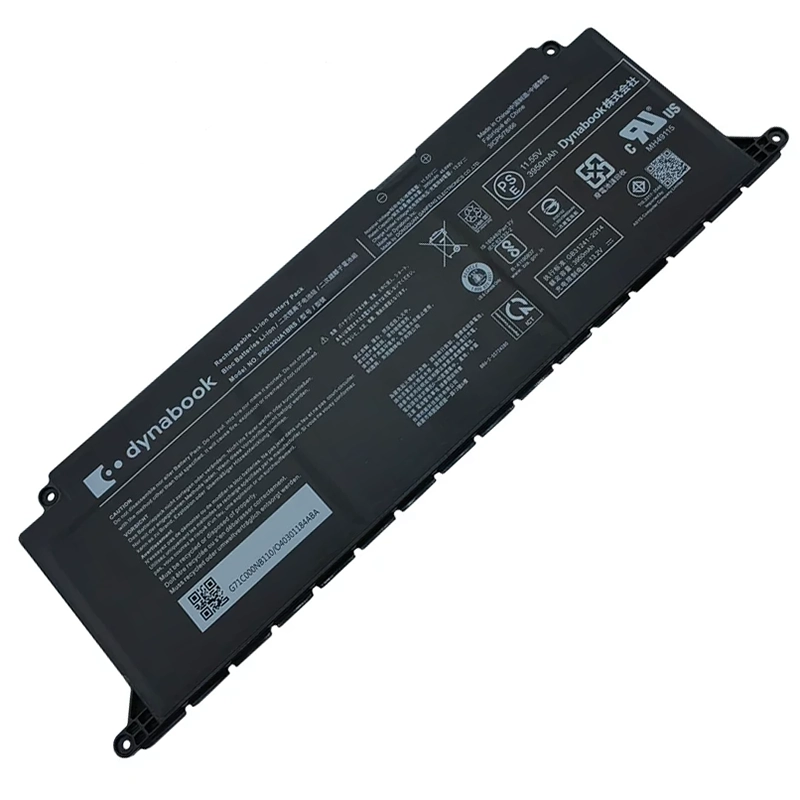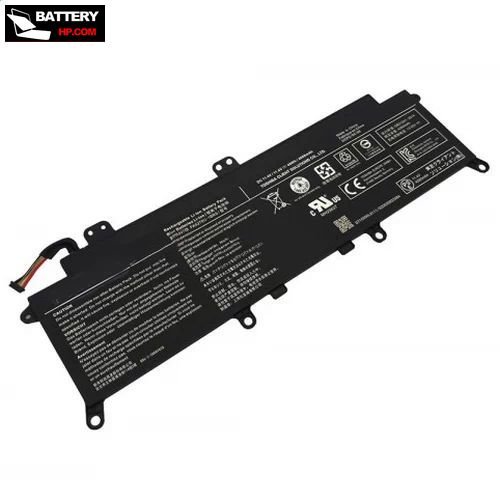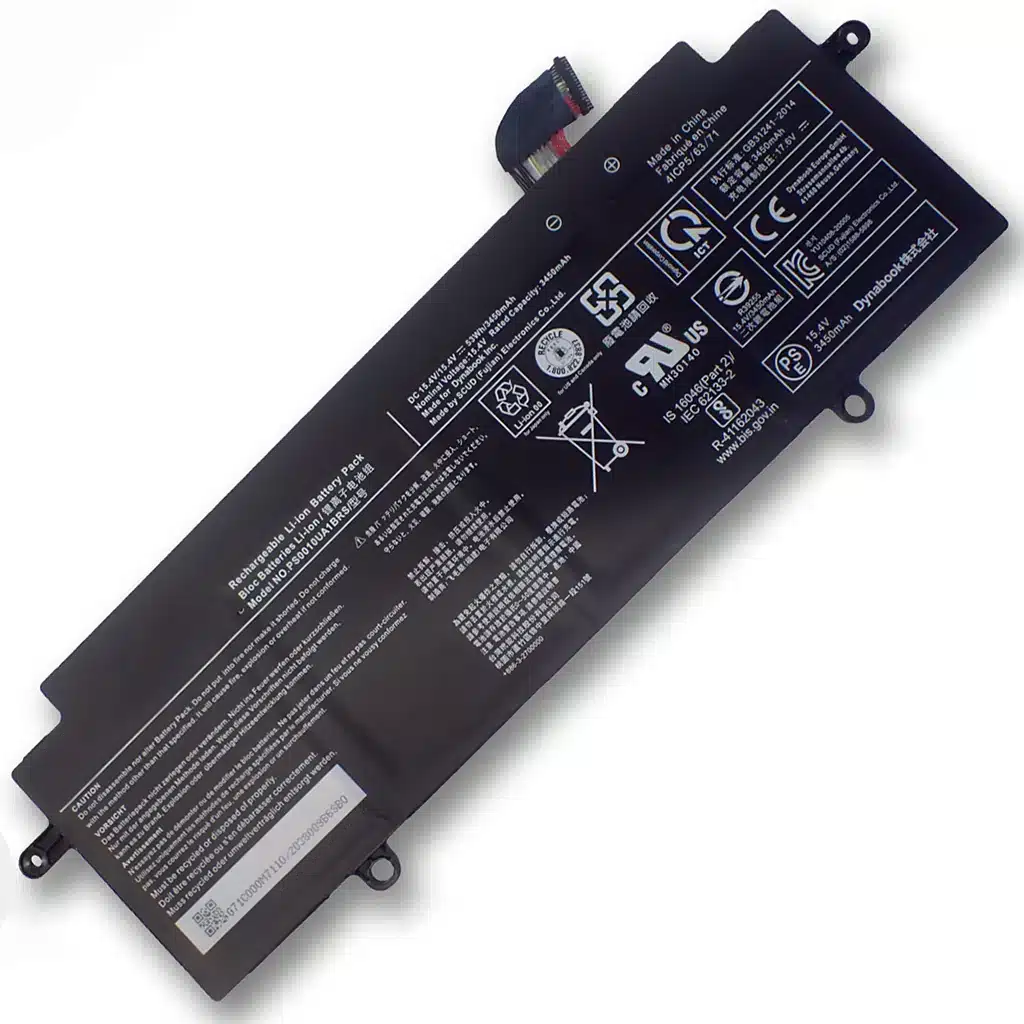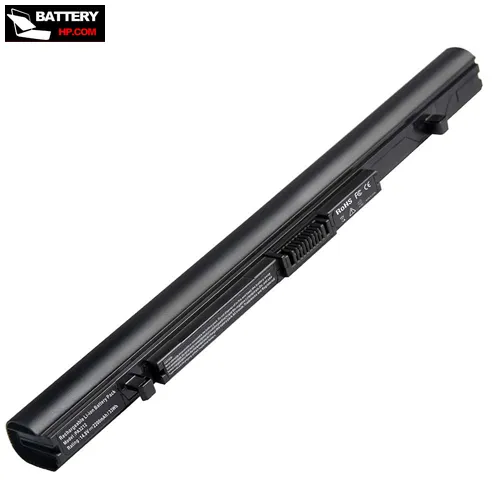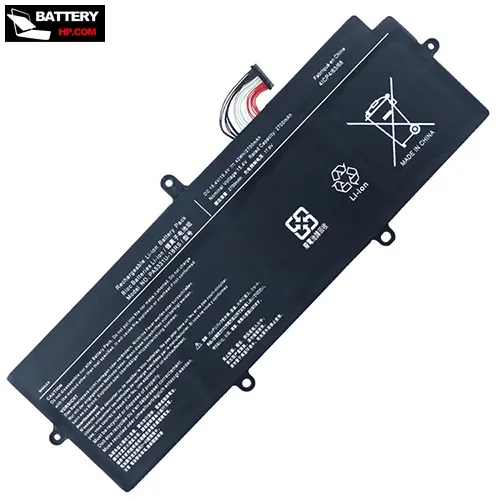

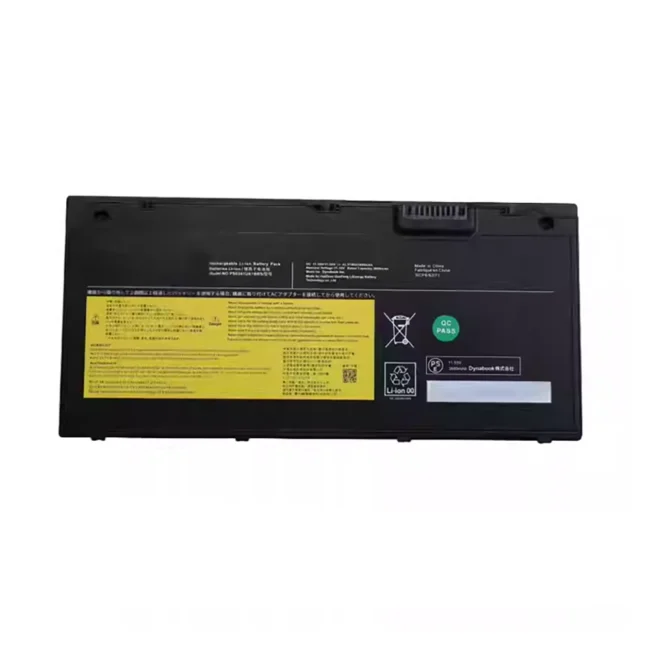
Availability : In stock
Battery Type : Li-ion
Voltage : 11.55V
Capacity : 42.51Wh
Color : Black


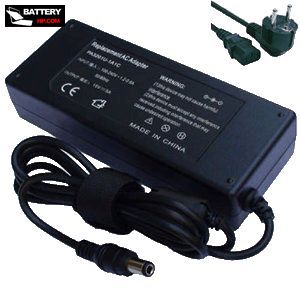
Availability : In stock
| P56 battery specifications | |
| Availability: | In stock |
| Battery Type: | Li-ion |
| Capacity: | 42.51Wh |
| Voltage: | 11.55V |
| Useful Life: | 300-500 recharges |
| The condition of the product: | Band New |
| Warranty: | 12 Months |
| RoHS compatible: | YES |
| ReachG compatible and certified: | YES |
| ChemG compliance with all prohibited substances: | YES |
| Battery law complied: | YES |
| Quality assurance program according to ADR 2.2.9.1.7: | YES |
| Safety tests according to UN38.3: | YES |
| Aircraft approved according to IATA 2.3.5.9: | YES |
Shipping Methods & Delivery Times |
||
| Ship To | Estimated Delivery Time | Shipping Cost |
| United States (ship to AS, FM, GU, MH, MP, PW, PR, VI, AK, HI may take longer) | 5 -10 business days | Free |
| Canada ,Australia | 15-20 business days | Free |
| Germany(Deutschland) , France, United Kingdom, Italy(Italia), Spain(España), Netherlands(Nederland), Belgium, Austria(ଅଷ୍ଟ୍ରିଆ), Czech Republic(Česká republika), Poland(Polska), Sweden (Sverige),Switzerland, Finland(Suomi), Denmark, Ireland, Portugal, Luxembourg, Hungary(Magyarország), Slovakia(Slovensko) | 10~20 Business days | Free |
| Japan(日本) , Singapore (新加坡) , Thailand (ประเทศไทย), Korea (한국),HongKong ,China(中国) | 3-7 Business days | Free |
| Brazil ,Israel ,Russia (Россия) | 9~17 Business Days | Free |
| Except weekends and holidays. Hope you could understand a little possible delay. | ||
After your order has shipped, you will receive an "About Your Delivery Information" email with shipping details (Include: Tracking Number 、 shippingMethod 、 Tracking Link)!
At the same time, you can track your order information at this link https://www.hp-battery.com/admin/tracking.php,
We generally update the shipped information within 48 hours