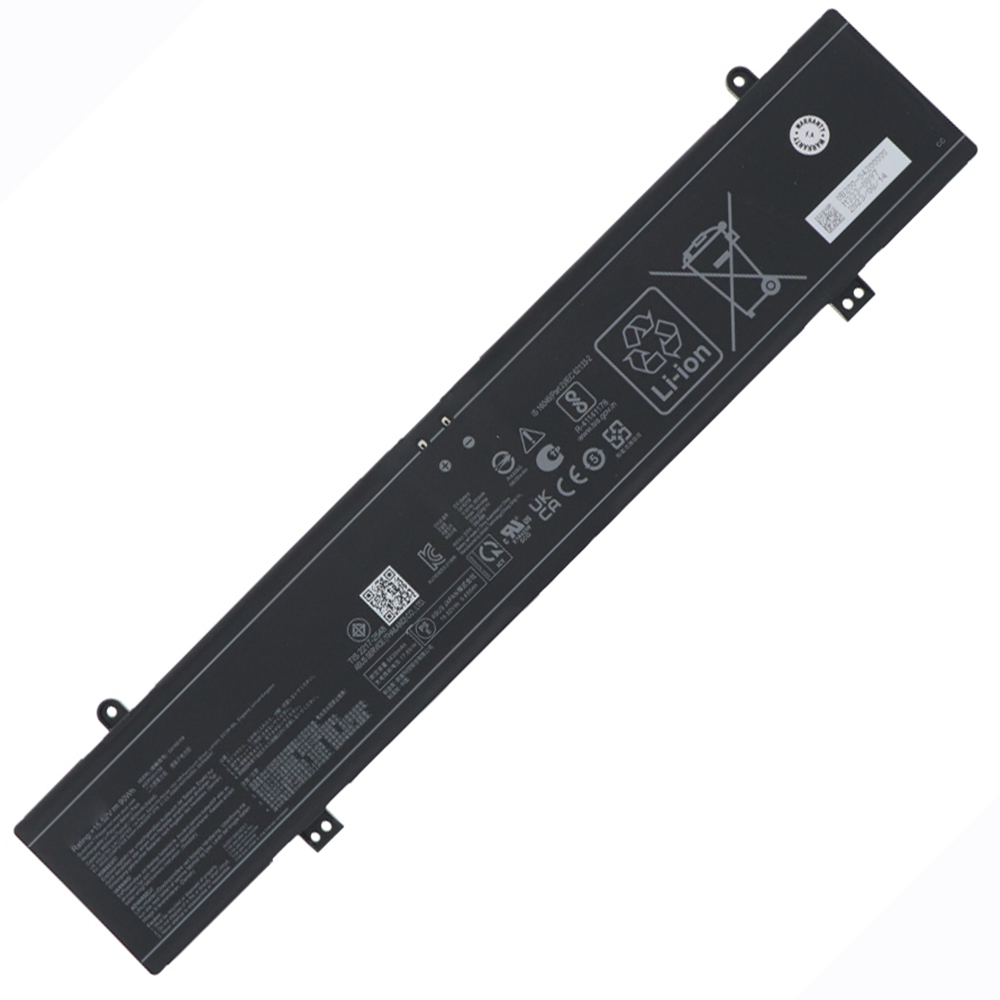
Asus ROG Strix SCAR 16 G635LX Battery 90W 15.52V
$125.58 $163.25
Free and fast shipping + 1 year warranty + 30 day money back!
Availability : In stock
Battery Type : Li-ion
Voltage : 15.52V
Capacity : 90W
Color : Black
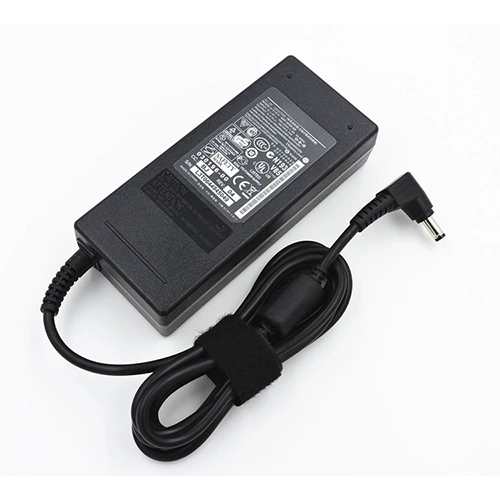
AC Adapter for Asus G635LX
- $ 38.56 45.89
- High Quality replacement G635LX adapter includes AC Power Cord , 100-240VAC 50/60Hz , Over Voltage Protection, Short Circuit Protection, Over Current Protection !
-
-
-
Availability : In stock
Description
| G635LX battery specifications |
| Availability: | In stock |
| Battery Type: |
Li-ion |
| Capacity: |
90W |
| Voltage: |
15.52V |
| Useful Life: |
300-500 recharges |
| The condition of the product: |
Band New |
| Warranty: |
12 Months |
Compatible Asus Laptop Models:
- G635LX
- ROG Strix SCAR 16 G635
- ROG Strix SCAR 16 G635LX
- ROG Strix SCAR 16 G635LW
- ROG Strix SCAR 16 G635LR
Compatible Asus Part Numbers:
This Brand New Asus G635LX Battery Extended Life uses premium quality battery cells that provide higher performance, reliability, and longer life. This G635LX battery is tested before shipment and backed by full ONE year warranty and 30 days satisfaction money back guarantee against defects in material or workmanship. We will pay for return shipping for defective item.
Premium-quality Asus G635LX battery, ready for use!
- Brand new from Professional Manufacturer.
- 100% OEM compatible with the original Asus G635LX battery.
- Grade A cells ensure fast charges and extended battery life.
- Built-in circuit protection ensures safety and stability.
- High capacity cycle count (approximately 600-800 cycles).
- Rigorously tested to meet or exceed OEM specifications through strict quality control standards.
Asus G635LX Battery Usage and Maintenance:
- Upon receiving your Asus G635LX battery, ensure it is properly installed, with the connector securely attached to the laptop's motherboard. Begin charging immediately. For new batteries, discharge to 5% (avoiding 0%), then recharge and repeat this cycle 3-4 times to activate optimal performance.
- Avoid fully discharging the battery to 0%, as this can cause permanent damage.
- Charge the G635LX battery promptly after depletion. Failure to do so for extended periods may result in irreversible damage.
- For long-term storage, ensure the battery is charged to at least 70%. Do not store for more than three months.
- If frequently used with a charger, discharge and recharge the battery weekly to maintain its health.
- Use only the original charger to avoid poor charging performance of the G635LX battery.
- Regularly clean the fan dust to enhance heat dissipation and reduce power consumption, effectively prolonging the G635LX battery's lifespan.
Bestsellers
-
$ 85.56
-
$ 84.99
-
$ 91.69
-
$ 121.58
-
$ 89.25
-
$95.69
-
$ 69.98
-
$98.58