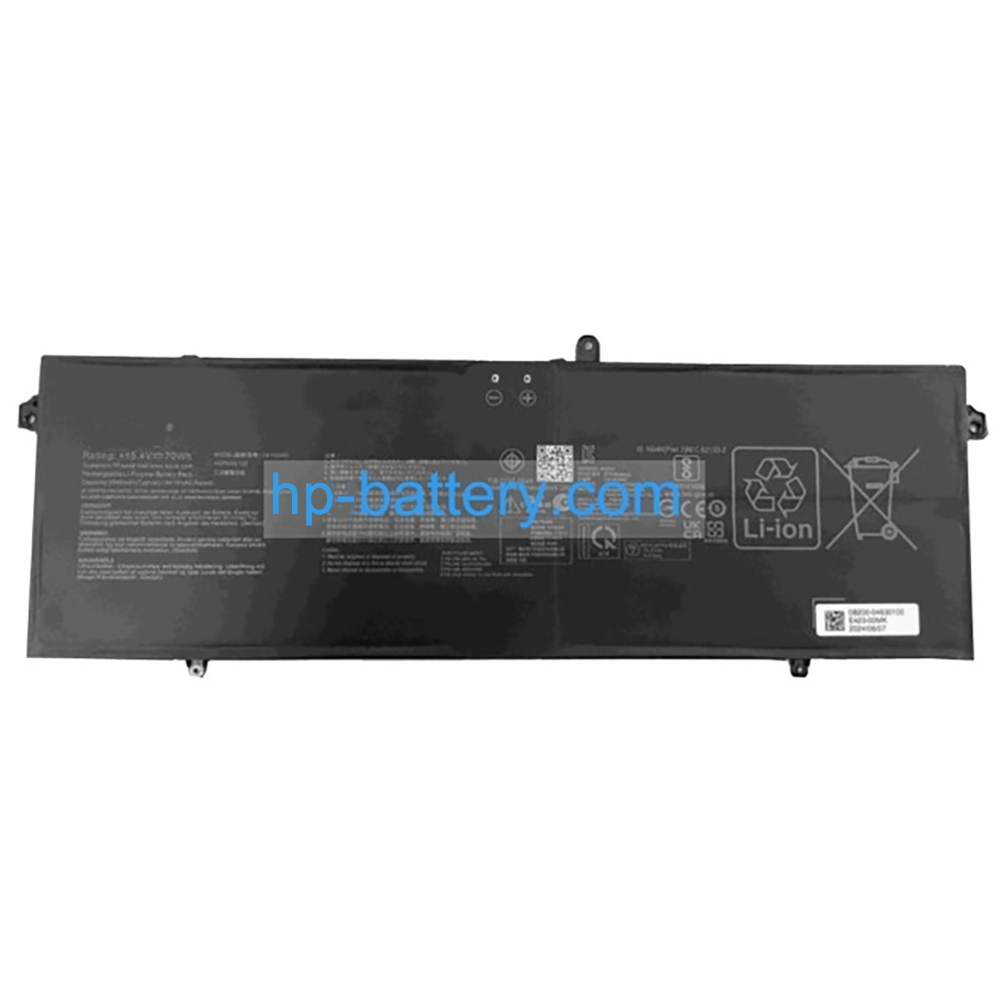
Asus C41N2402 Battery 4545mAh/70Wh 15.4V
$131.01 $170.31
Free and fast shipping + 1 year warranty + 30 day money back!
Availability : In stock
Battery Type : Li-ion
Voltage : 15.4V
Capacity : 4545mAh/70Wh
Color : Black
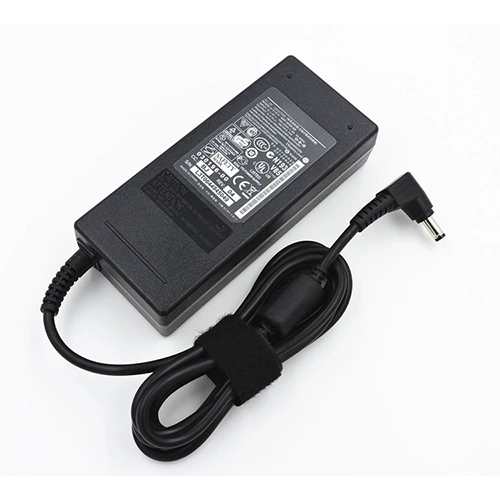
AC Adapter for Asus C41N2402
- $ 38.56 45.89
- High Quality replacement C41N2402 adapter includes AC Power Cord , 100-240VAC 50/60Hz , Over Voltage Protection, Short Circuit Protection, Over Current Protection !
-
-
-
Availability : In stock
Description
| C41N2402 battery specifications |
| Availability: | In stock |
| Battery Type: |
Li-ion |
| Capacity: |
4545mAh/70Wh |
| Voltage: |
15.4V |
| Useful Life: |
300-500 recharges |
| The condition of the product: |
Band New |
| Warranty: |
12 Months |
Compatible Asus Laptop Models:
- Asus C41N2402
- 0B200-04630100
Compatible Asus Part Numbers:
- C41N2402
- C41N2402
- 0B200-04630100
This Brand New Asus C41N2402 Battery Extended Life uses premium quality battery cells that provide higher performance, reliability, and longer life. This C41N2402 battery is tested before shipment and backed by full ONE year warranty and 30 days satisfaction money back guarantee against defects in material or workmanship. We will pay for return shipping for defective item.
Premium-quality Asus C41N2402 battery, ready for use!
- Brand new from Professional Manufacturer.
- 100% OEM compatible with the original Asus C41N2402 battery.
- Grade A cells ensure fast charges and extended battery life.
- Built-in circuit protection ensures safety and stability.
- High capacity cycle count (approximately 600-800 cycles).
- Rigorously tested to meet or exceed OEM specifications through strict quality control standards.
Asus C41N2402 Battery Usage and Maintenance:
- Upon receiving your Asus C41N2402 battery, ensure it is properly installed, with the connector securely attached to the laptop's motherboard. Begin charging immediately. For new batteries, discharge to 5% (avoiding 0%), then recharge and repeat this cycle 3-4 times to activate optimal performance.
- Avoid fully discharging the battery to 0%, as this can cause permanent damage.
- Charge the C41N2402 battery promptly after depletion. Failure to do so for extended periods may result in irreversible damage.
- For long-term storage, ensure the battery is charged to at least 70%. Do not store for more than three months.
- If frequently used with a charger, discharge and recharge the battery weekly to maintain its health.
- Use only the original charger to avoid poor charging performance of the C41N2402 battery.
- Regularly clean the fan dust to enhance heat dissipation and reduce power consumption, effectively prolonging the C41N2402 battery's lifespan.
Bestsellers
-
$ 85.56
-
$ 84.99
-
$ 91.69
-
$ 121.58
-
$ 89.25
-
$95.69
-
$ 69.98
-
$98.58