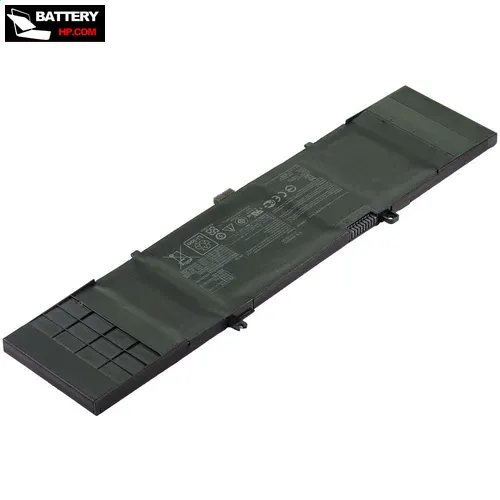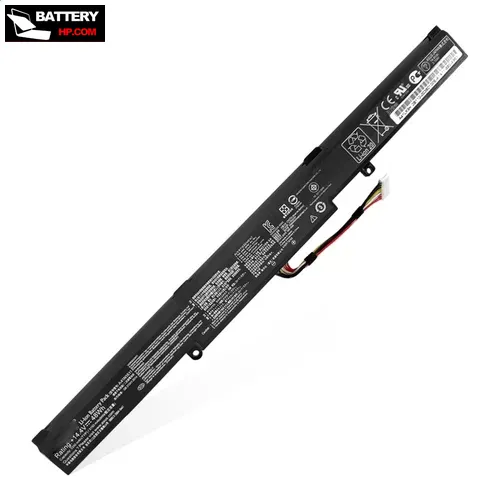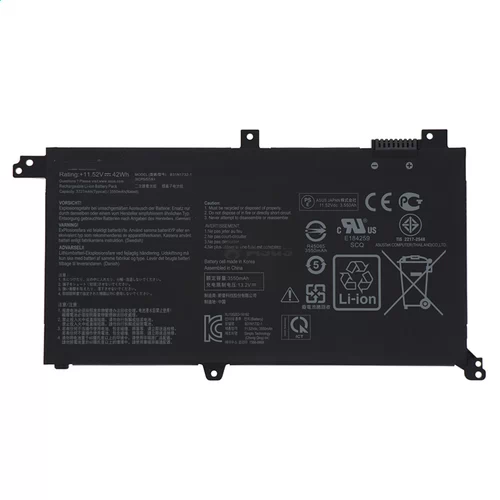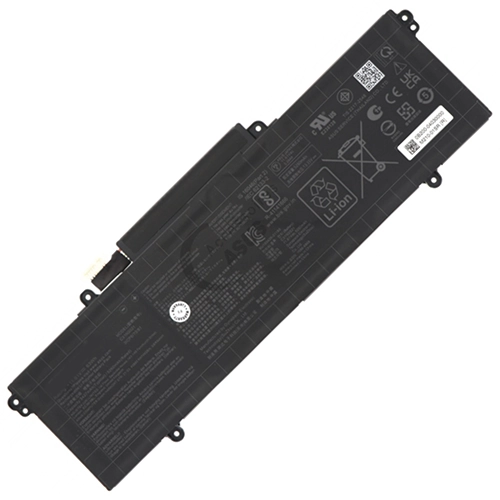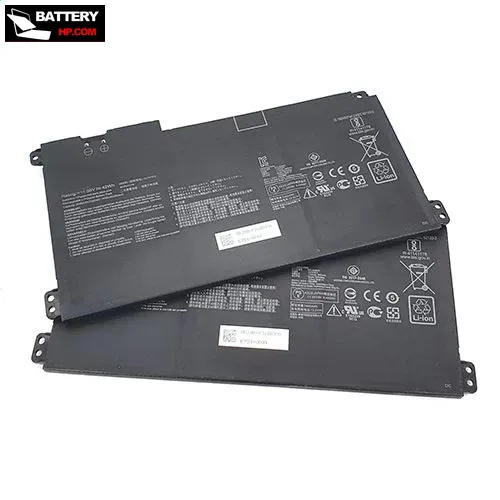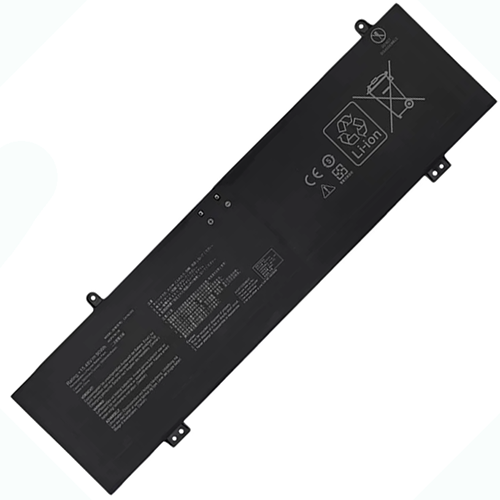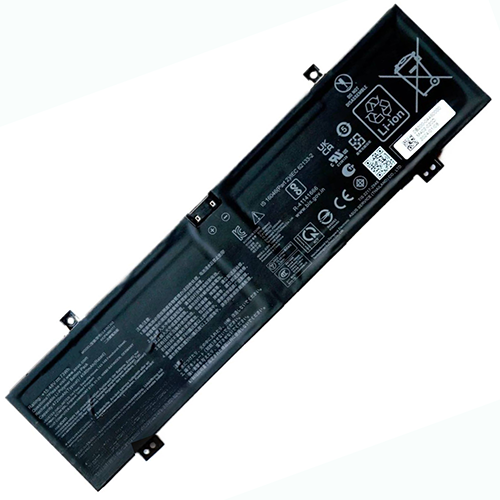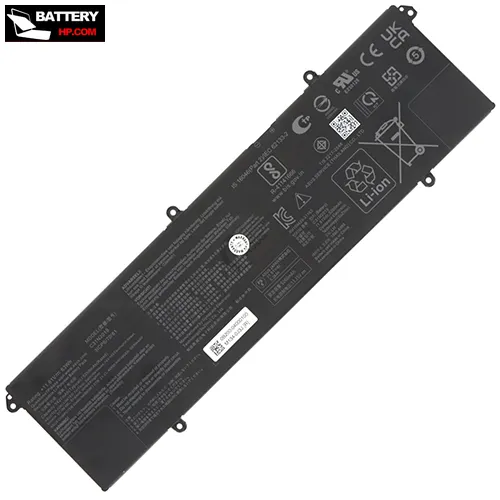




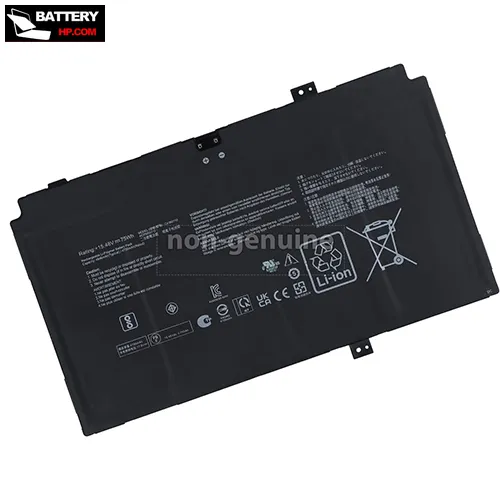
Battery for Asus 0B200-04220000 15.48 V
- $ 59.99 57.29
- FREE delivery + 1 year warranty + 30 day money back!
-
Availability : In stock
Battery Type : Li-ion
Voltage : 15.48 V
Capacity : 75 Wh
Color : Black


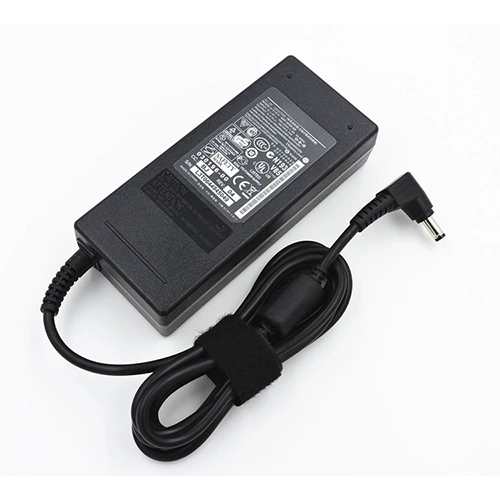
AC Adapter for Asus 0B200-04220000
- $ 38.56 45.89
- High Quality replacement 0B200-04220000 adapter includes AC Power Cord , 100-240VAC 50/60Hz , Over Voltage Protection, Short Circuit Protection, Over Current Protection !
-
Availability : In stock
Description
| Asus 0B200-04220000 battery specifications | |
| Availability: | In Stock |
| Battery Type: | Li-Ion |
| Capacity: | 75 Wh |
| Voltage: | 15.48 V |
| Color: | Black |
| Condition: | Band New |
| Guarantee: | 12 Months |
Fit Machine Models:
- Asus ZenBook 17 Fold UX9702AA
- ZenBook UX9702AA
- ZenBook UX9702AA-FOLED711
- ZenBook UX9702AA-FOLED-MD731X
- ZenBook UX9702AA-MD004W
- ZenBook UX9702AA-MD007W
- ZenBook UX9702AA-MD018W
- ZenBook UX9702AA-MD021W
- ZenBook UX9702AA-MD026W
Compatible with numbers:
- 0B200-04220000
- 0B200-04220000
- C41N2110

How to replace your Asus 0B200-04220000 Laptop Battery?
- 1 . Turn off your Asus 0B200-04220000 laptop and disconnect the AC adapter.
- 2 . Release the latch or other attachment devices that hold your battery in place.
- 3 . Slide the old battery out of its compartment or storage bay
- 4 . Take the replacement battery for Asus 0B200-04220000 laptop out of the box.
- 5 . Slide it into the notch or bay.
- 6 . Close the safety latch to lock it into place.
- 7 . Reconnect the AC adapter and give the new battery for your Asus 0B200-04220000 notebook a full charge.
Asus 0B200-04220000 Battery use and maintenance:
- After getting the Asus 0B200-04220000 battery, please install the battery correctly, make sure that the battery connector is firmly connected to the laptop motherboard, and start charging the laptop. Discharge the new battery to 5% (not 0%), then charge and cycle 3-4 times to wake up the new battery.
- Remember not to discharge the battery to 0%, otherwise the battery will be easily damaged.
- After the Asus 0B200-04220000 battery is exhausted, please charge it in time. If it is not charged for a long time, the battery may be damaged.
- If the battery is not used for a long time, it needs to be charged to more than 70% for storage. The storage time should not exceed 3 months.
- If you often use it with a charger, please use the battery power regularly and use it more than once a week.
- Please use original chargers. Inferior chargers will affect the normal charging of the 0B200-04220000 battery.
- Regularly clean the fan dust to increase the heat dissipation effect and reduce power consumption, which can effectively extend the Asus 0B200-04220000 battery life.
| When Can I Receive my items? | ||
| Ship To | Estimated Delivery Time | Shipping Cost |
| United States (ship to AS, FM, GU, MH, MP, PW, PR, VI, AK, HI may take longer) | 5 -10 business days | Free |
| Canada | 15-20 business days | Free |
| Australia , Japan , Singapore , Thailand , Korea | 10-15 Business days | Free |
| Germany , France, United Kingdom, Italy, Spain, Netherlands, Belgium, Austria, Czech Republic, Poland, Sweden,Switzerland, Finland, Denmark, Ireland, Portugal, Luxembourg, Hungary, Slovakia | 10~20 Business days | Free |
| Brazil ,Israel ,Russia | 9~17 Business Days | Free |
| Except weekends and holidays. Hope you could understand a little possible delay. | ||